Features
ShrinkCut is a Windows desktop app for making videos smaller and easier to share — plus split and join. All processing stays on your PC.
Main tabs: Compress / Convert, Split, Join, and History. Also includes license activation, light/dark theme, and an optional update check.
Compress / Convert
What it is: turn videos into smaller or more shareable files on your PC — nothing is uploaded to a cloud service.
When to use it: WhatsApp rejects the file, email attachments are capped, YouTube uploads take forever, or you want an archive that isn’t enormous.
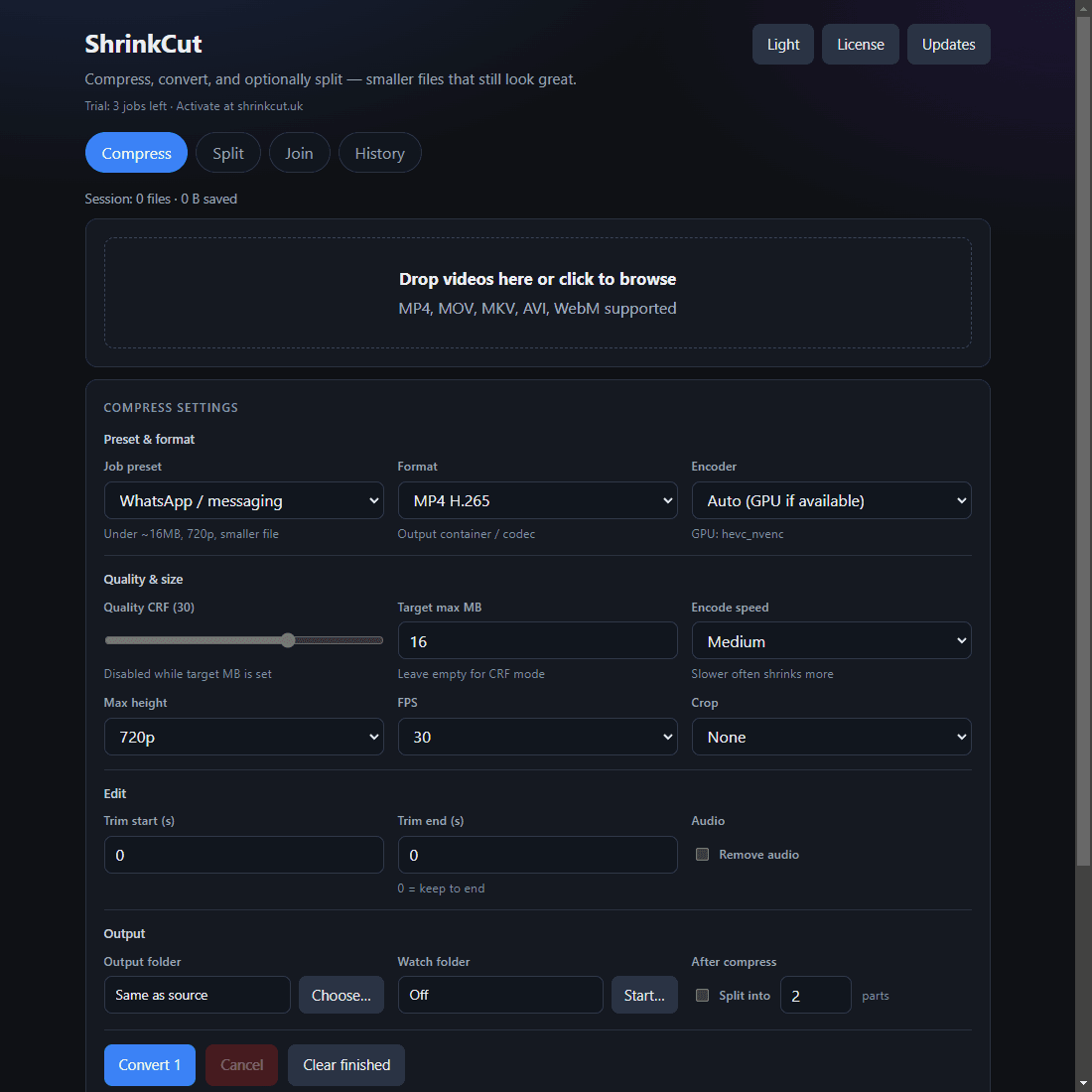
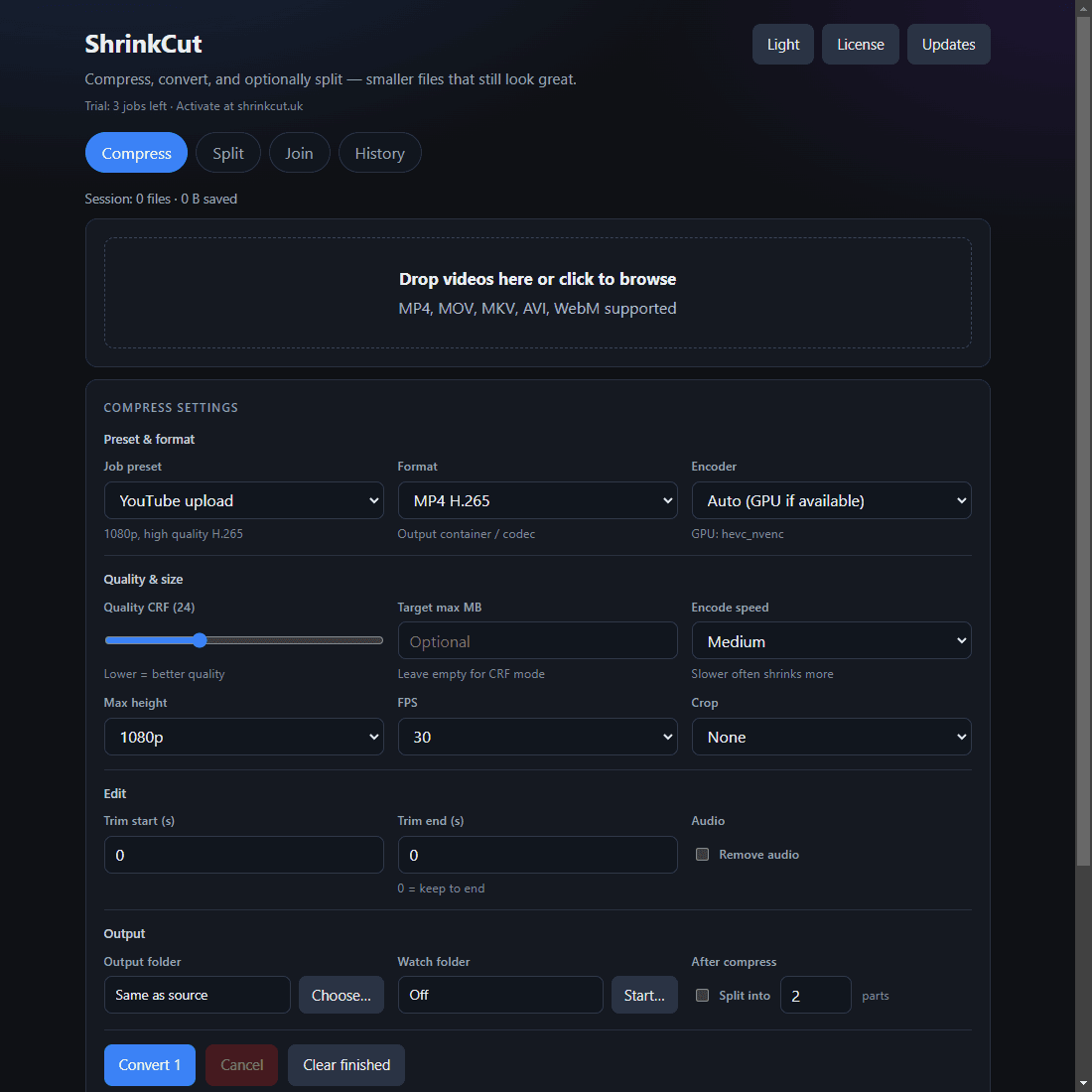
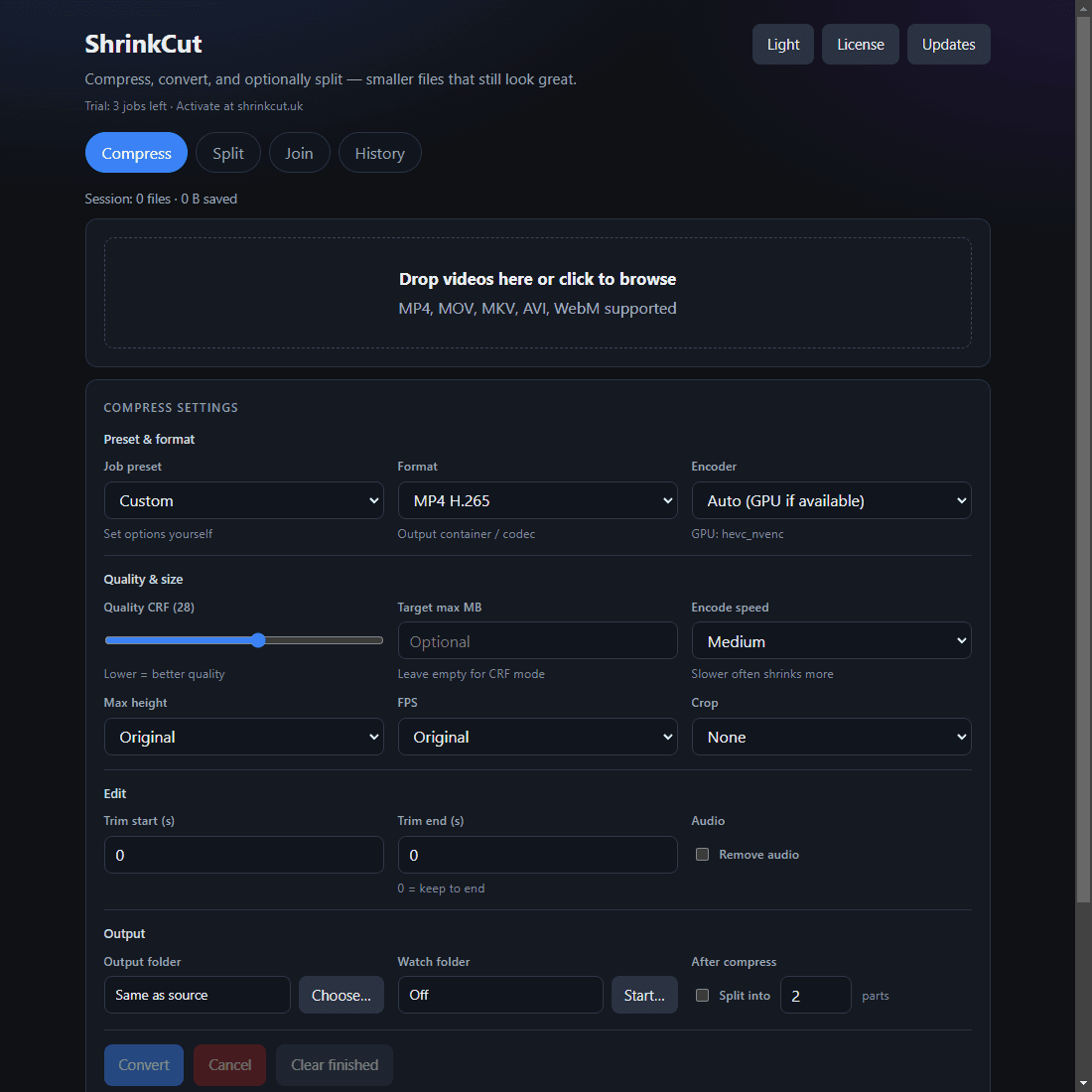
In the app: pick a job preset (or Custom), choose encoder and format, optionally set a max file size in MB, then trim, crop, or mute as needed and add the job to the queue. Compare before/after file sizes, run a batch with progress and ETA, or watch a folder for new videos (output files named *_compact* and *_part_* are ignored). You can also split into equal parts automatically after compress.
Job presets
| Preset | What you get |
|---|---|
| WhatsApp / messaging | About 16MB target at 720p — for chat apps and quick sends |
| YouTube upload | 1080p H.265 — smaller uploads that still look sharp |
| About 10MB target at 480p — when attachments have hard limits | |
| Archive | Keep quality closer to the source for long-term storage |
| Custom | Full control: CRF, max size, height, FPS, crop, trim, mute |
Encoder, formats & quality
- Encoder: Auto (GPU if available) · CPU best size · GPU fast. Detects NVENC / QSV / AMF HEVC; falls back to CPU if GPU encode fails. GPU depends on hardware and drivers.
- Formats: MP4 H.265 (HEVC), MP4 H.264, WebM VP9, extract AAC, extract MP3, GIF.
- Quality: CRF slider, or a target max file size in MB (bitrate estimated from duration). Encode speed fast / medium / slow. Max height original / 1080 / 720 / 480. FPS original / 30 / 24. Crop none, 16:9 centre, or 9:16 centre. Trim start/end seconds. Mute or strip audio.
Split
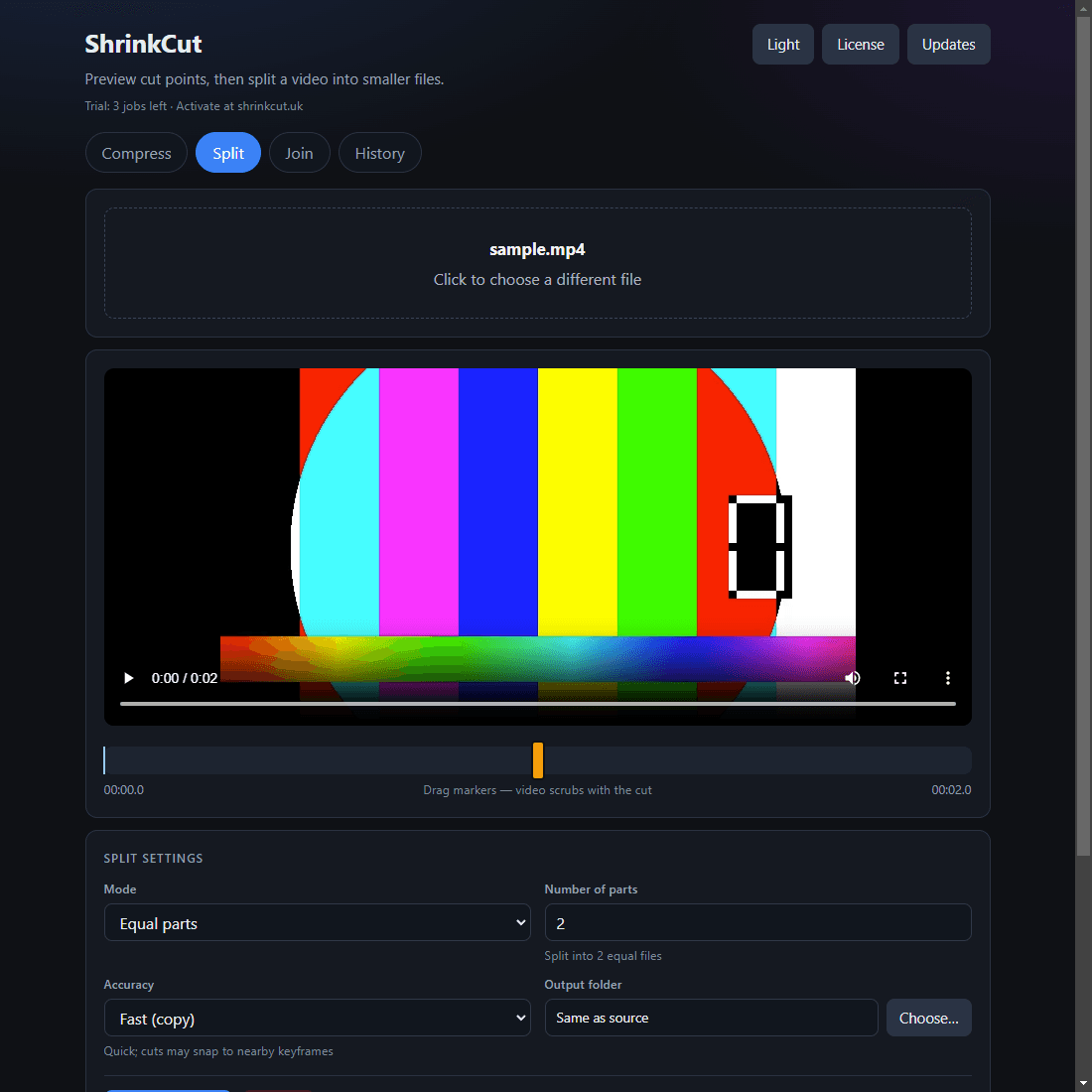
What it is: open one video, scrub a preview, place timeline markers, and export parts named like *_part_001.mp4.
When to use it: long screen recordings, event footage, or any file that needs to be broken into smaller chunks.
Modes: equal parts or fixed-length segments. Drag markers and scrub the preview. Choose Fast (stream copy) for quick cuts near keyframes, or Accurate (re-encode) when timing must be precise.
Join
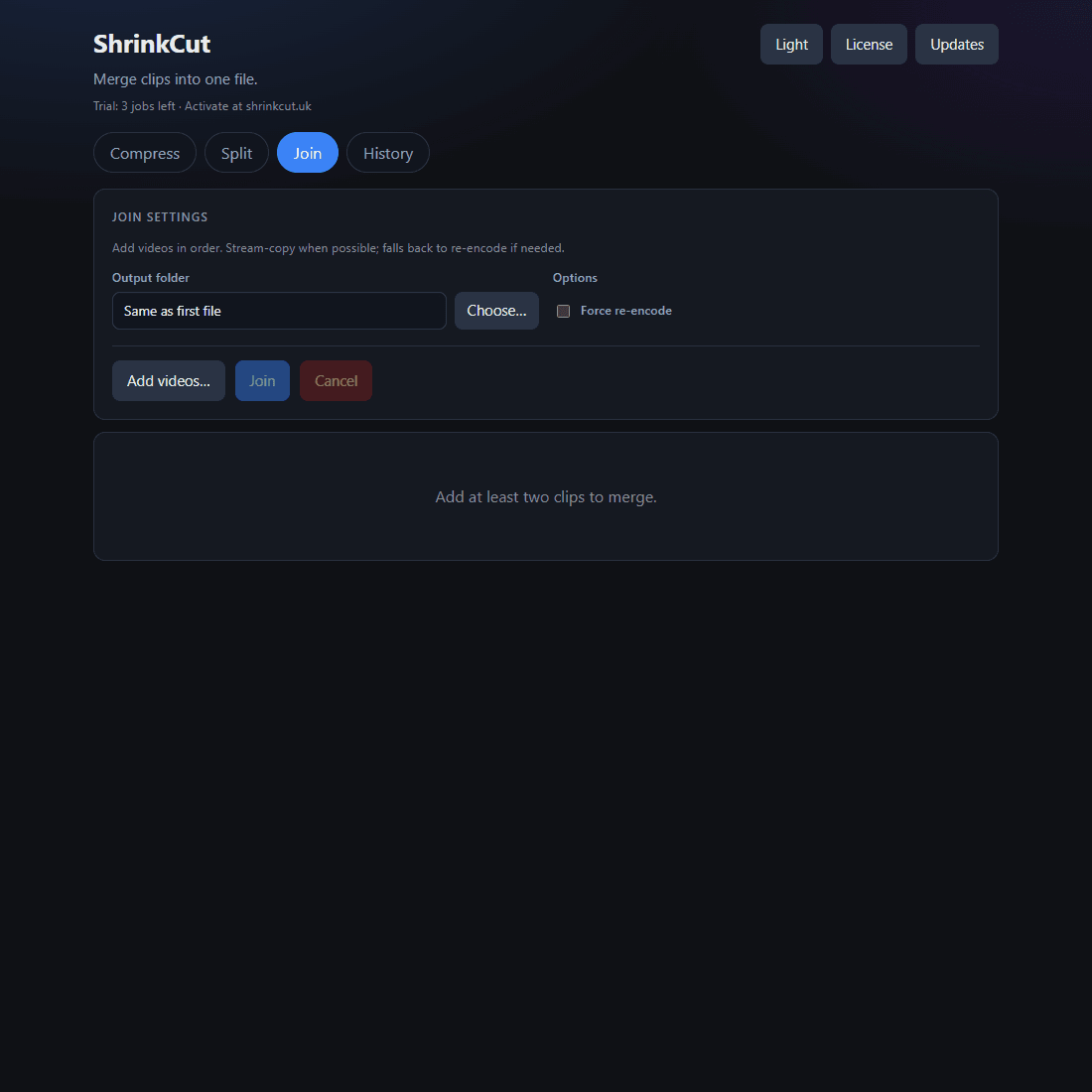
What it is: build an ordered list of clips, move them up or down, then merge them into one file.
Prefer stream copy when codecs match for a fast join. Use force re-encode (or let auto-fallback handle it) when they don’t, so mixed sources still finish instead of failing silently.
History
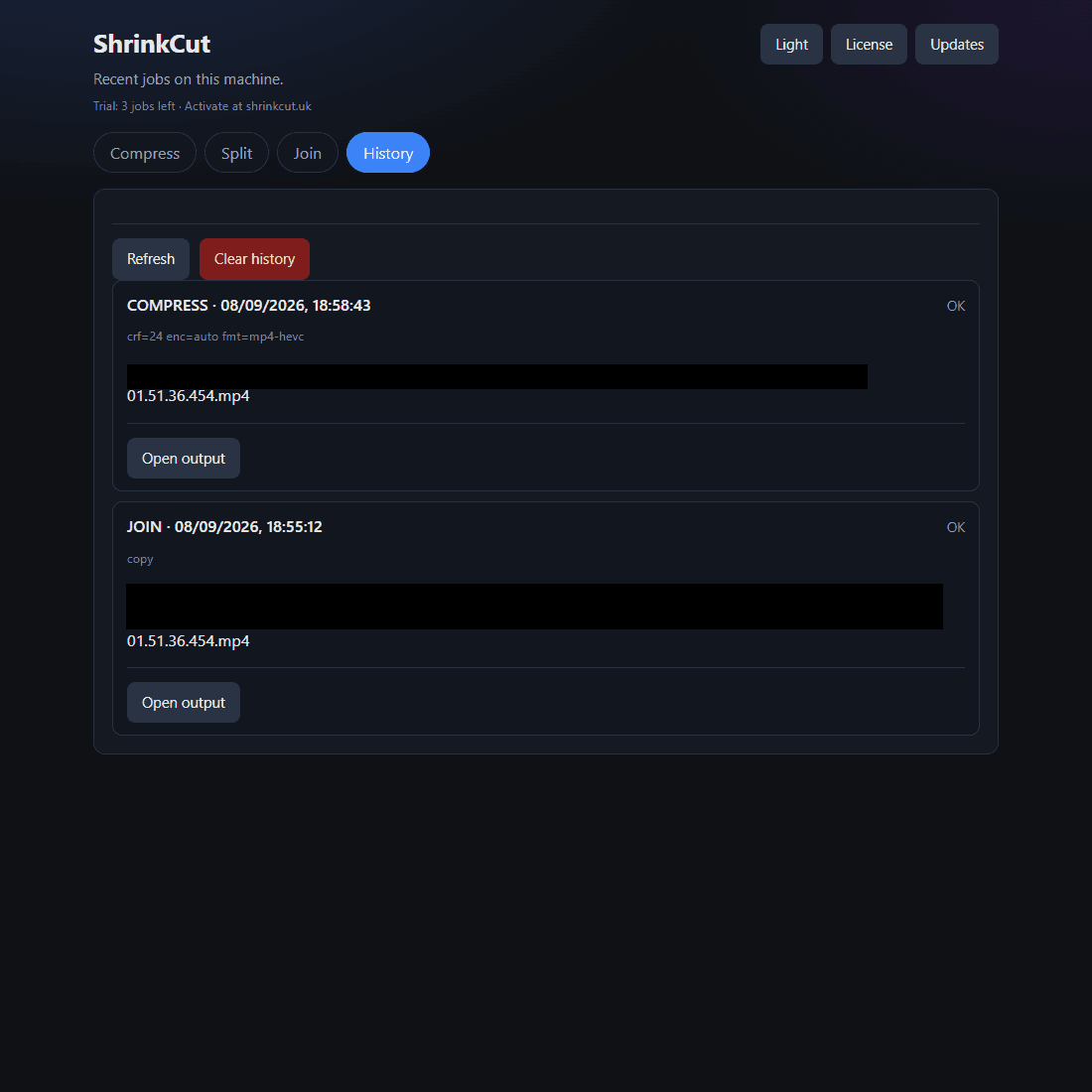
See recent compress, split, and join jobs on this PC — reopen outputs and reuse settings without digging through folders.
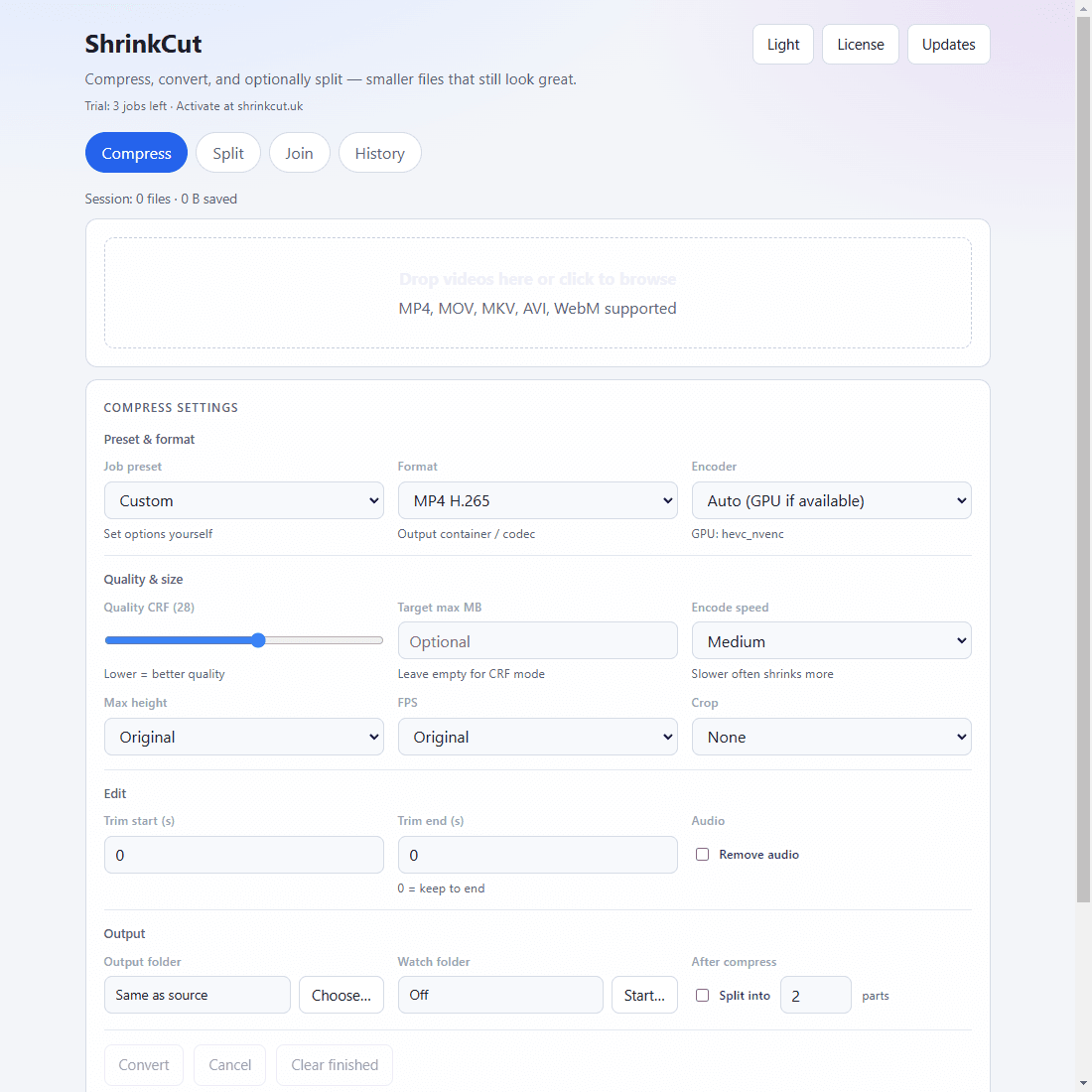
Light & dark theme
Switch between dark and light UI — the same tools either way.
Trust, trial & license
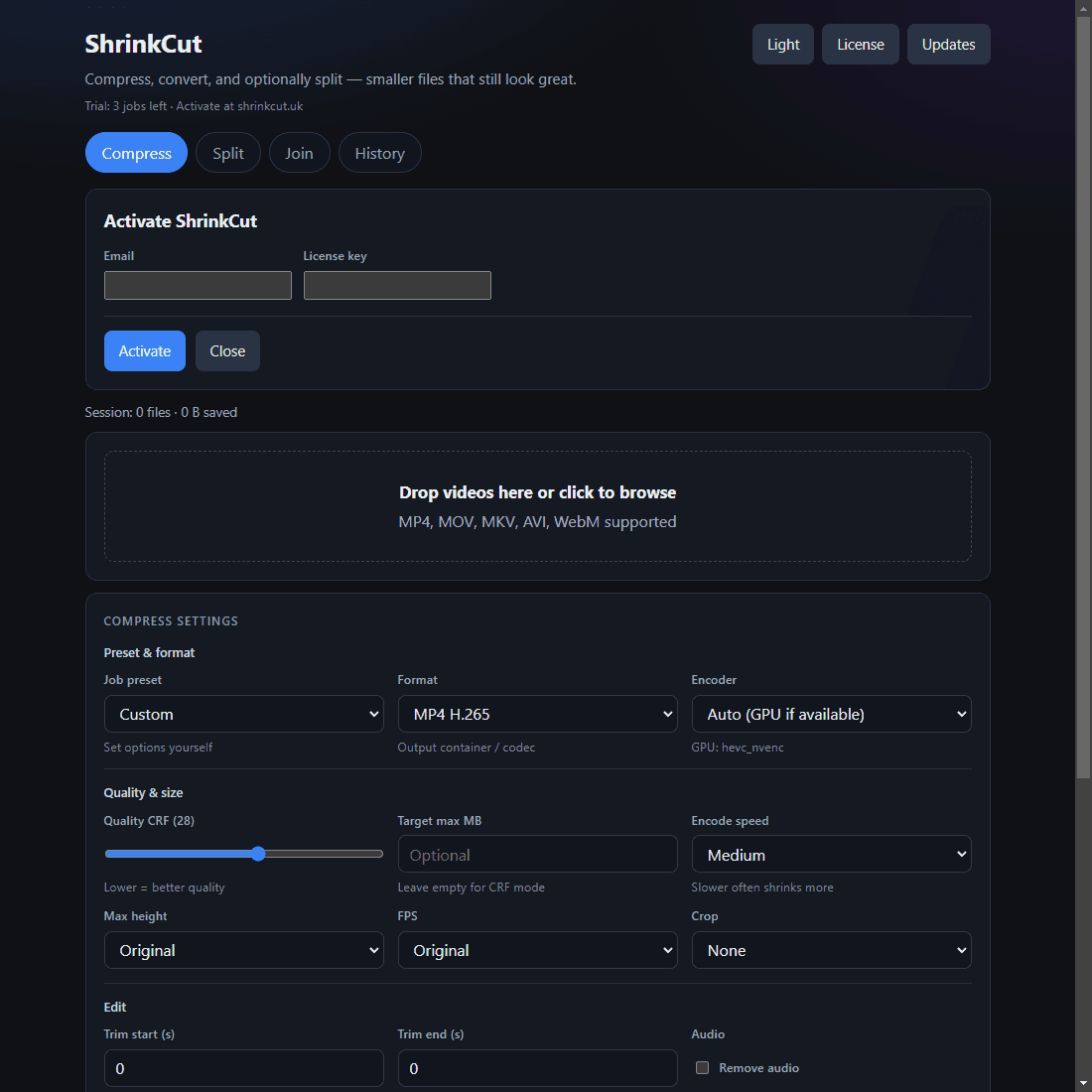
- Trial: 3 jobs, then activate at shrinkcut.uk.
- Major-version license — covers all updates in the same major line (for example 1.x). A new major (2.x) needs a new license; existing customers get a discount (see pricing).
- Conversion works offline. License checks need the internet, then you keep a 14-day offline grace window.
What ShrinkCut is not
- Not built for macOS or Linux (Windows desktop only)
- Not cloud rendering or AI upscaling
- Not a full multi-track video editor